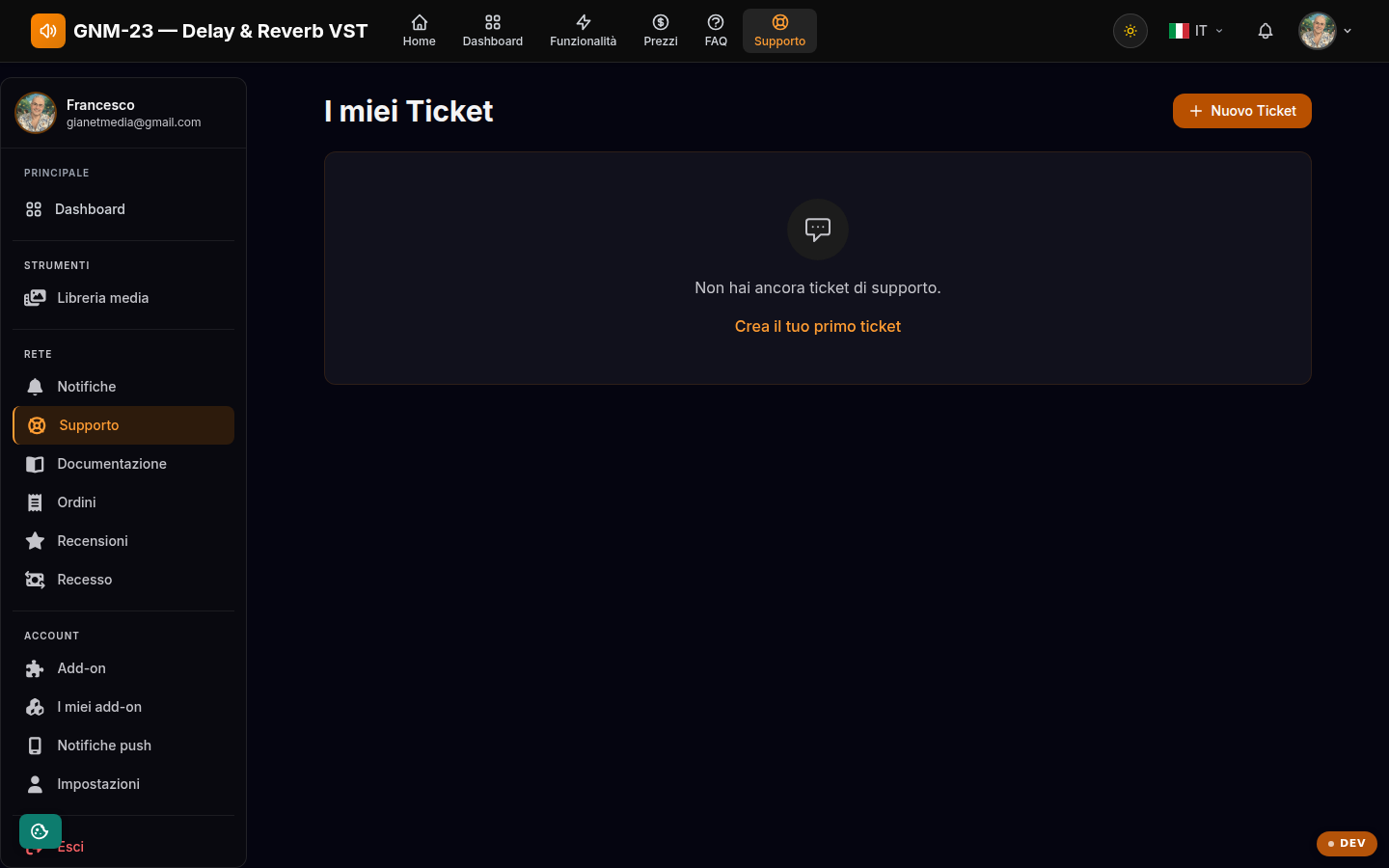
Your support tickets: open a request and follow the team's replies.
Key points
Open a new ticket with the button at the top.
Each ticket shows its status and latest activity.
Reply in the same ticket instead of opening a new one for the same issue.
How support works
Each request becomes a ticket with its own status (open, in progress, closed) and a conversation: you and the support team reply in the same thread, so the whole history of the issue stays in one place. You receive a notification when a reply arrives.
When to open a ticket
Before opening a ticket, take a look at the FAQ and the documentation: the most common issues (SmartScreen warning, Gatekeeper block on macOS, license activation) already have a ready-made solution. For everything else — payment problems, licenses, plugin bugs — the ticket is the right channel. Once the issue is solved, you can close the ticket yourself.