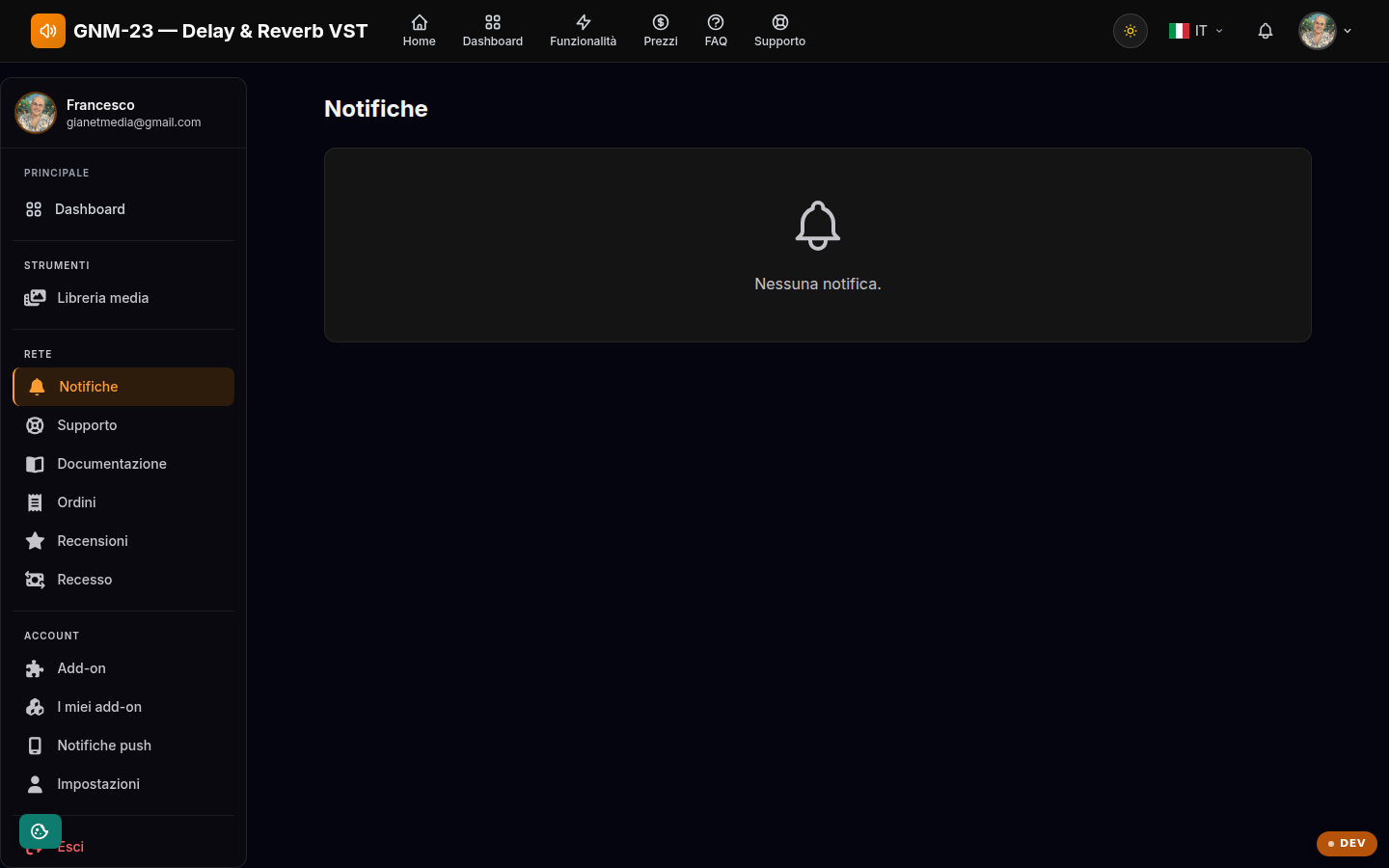
Your account's notification center: alerts about licenses, orders and support.
Key points
The red number in the sidebar shows unread notifications.
Mark a notification as read, or all of them at once, with a single click.
Delete the notifications you no longer need.
What you find here
All of the site's communications arrive on this page: purchase confirmations, license alerts (for example a removed device), replies to support tickets and plugin updates. The red counter next to the "Notifications" entry in the sidebar shows how many you have not read yet.
Management and cleanup
Open a notification for the details, mark it as read, or use "Mark all as read" to reset the counter. Deleted notifications cannot be recovered. If you also want to receive alerts outside the site, enable push notifications from the dedicated page and choose your preferences in your profile.