Receive the site's alerts directly on your device, even when the site is closed.
Key points
Enable push and grant permission when the browser asks for it.
Each browser/device must be registered individually.
Use the test notification to check that everything works.
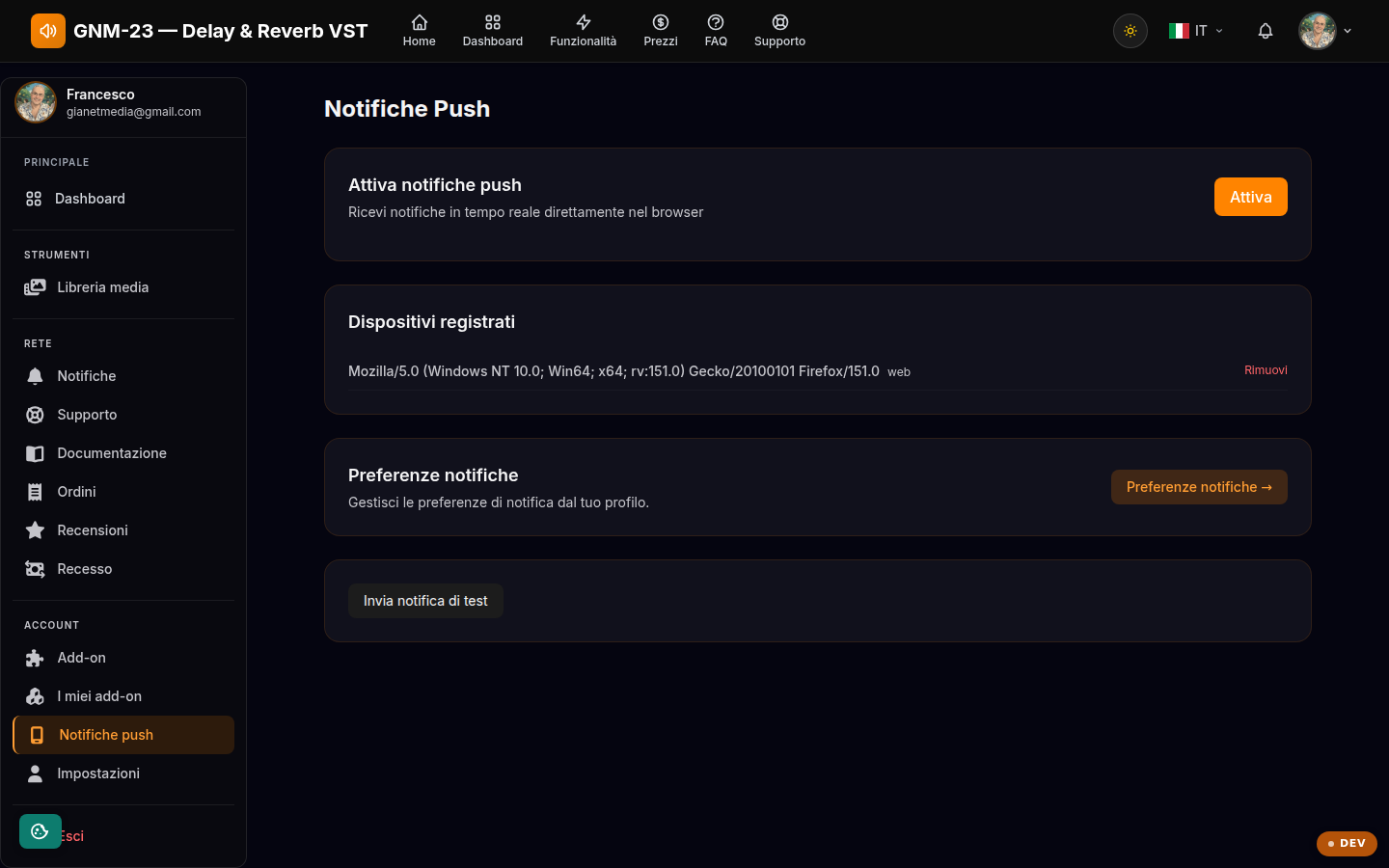
Enabling push notifications
Press the enable button and grant permission in the browser window: the device gets registered and from that moment it receives alerts even when the site is not open. Registration applies to the single browser/device: repeat it on every computer or phone you want to receive push notifications on. A modern browser is required; if "not supported" appears, that browser does not offer web notifications.
Devices and preferences
On this page you see the list of registered devices and you can remove the ones you no longer use. The test button sends a trial notification to verify the setup. Which types of alert to receive is instead decided in the notification preferences in your profile.