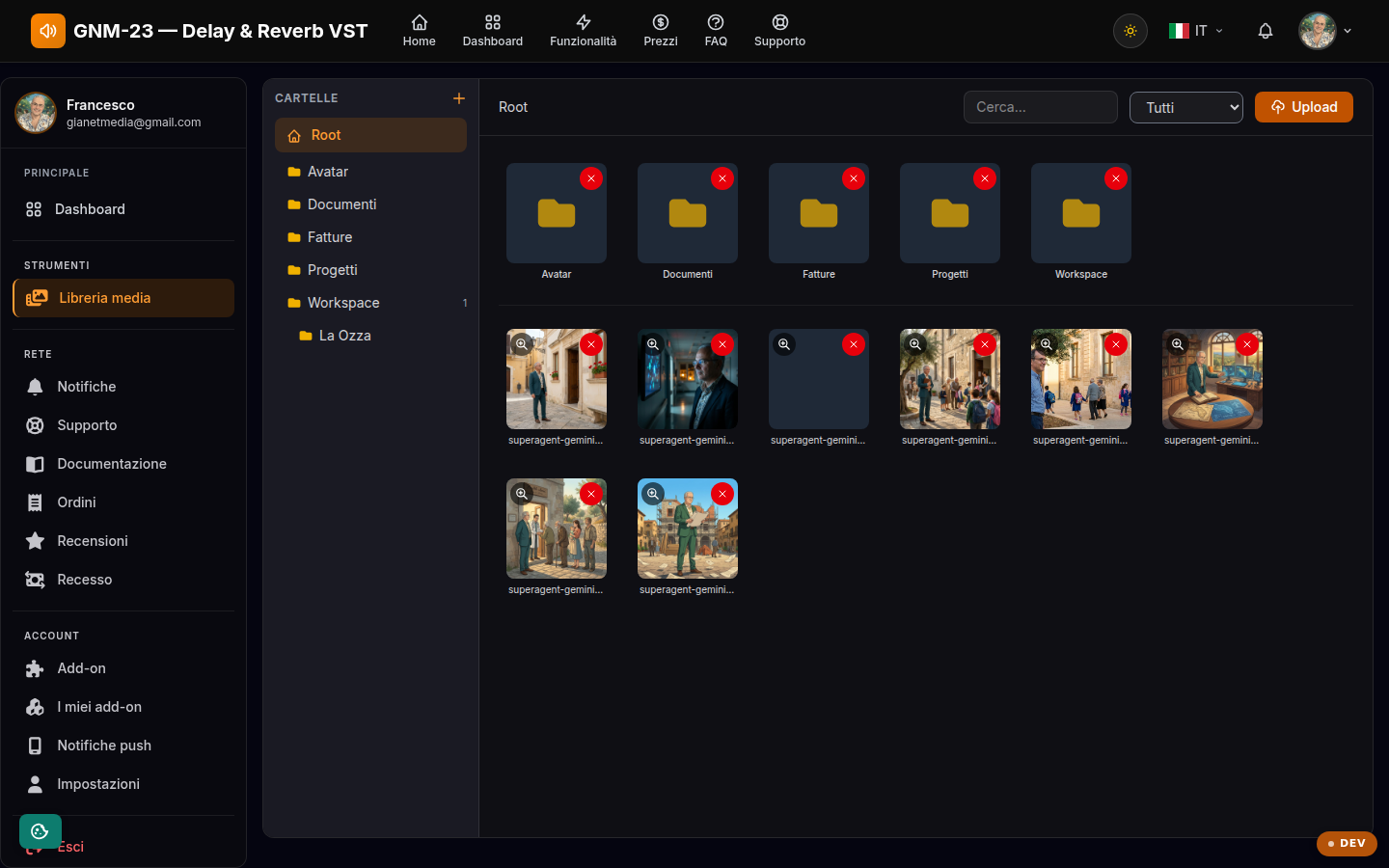
Your personal archive of files and images, shared across the whole network.
Key points
Upload files with the upload button or by dragging them onto the page.
Organize files into folders to find them right away.
Move, rename or delete files and folders when you no longer need them.
What the library is for
The Media library is your personal file archive: the images and documents you upload here stay linked to your account and are available wherever a file is needed, for example for your profile avatar. It is a shared tool of the Trovido network: you will find it identical on all the sites connected to your account.
Organizing your files
Create folders to keep content separate and move files from one folder to another. Each file has its own actions: preview, move, delete. Uploads accept common image and document formats; if an upload fails, check the file size and format.