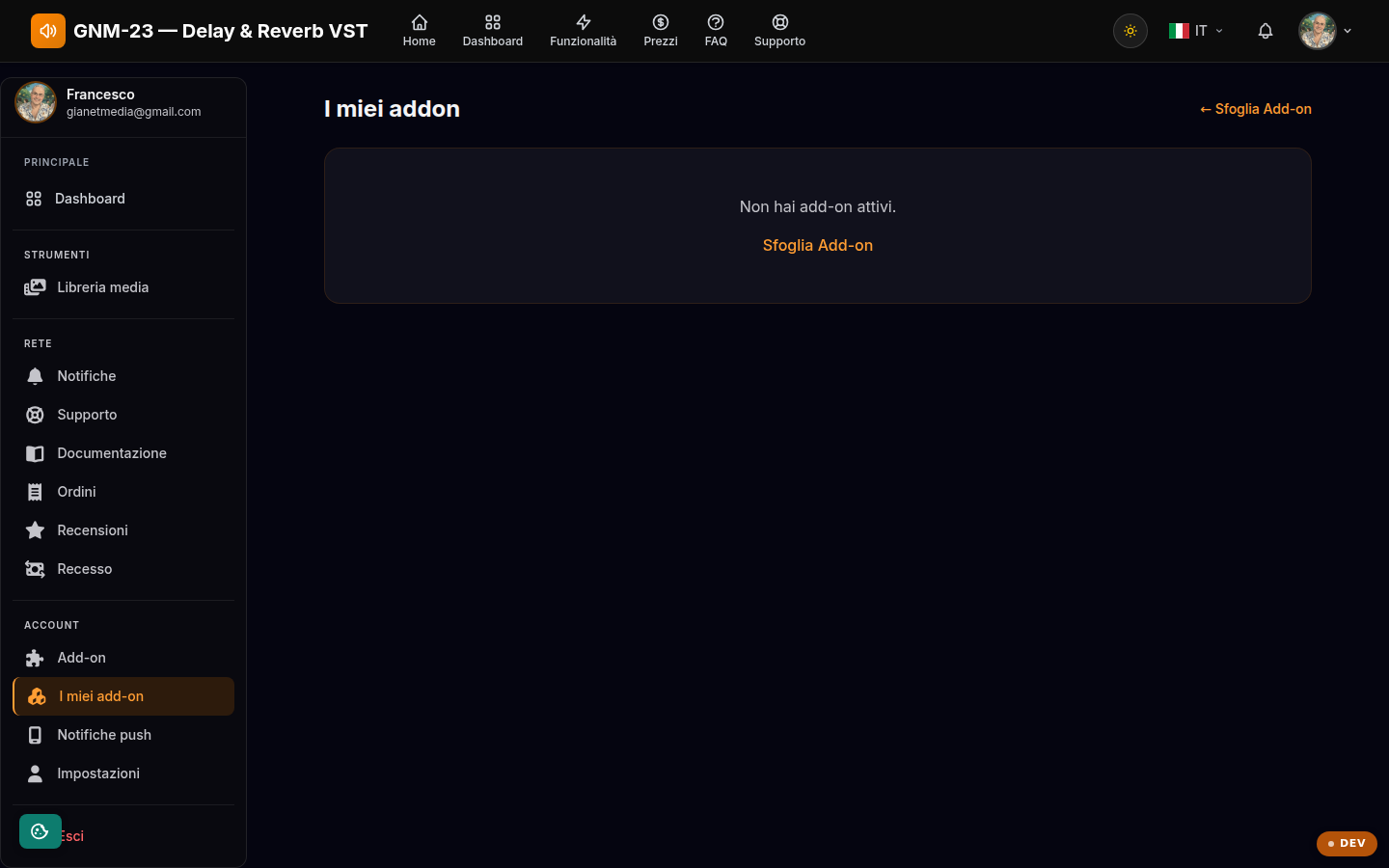
The add-ons active on your account, with expiry dates and history.
Key points
Check the expiry date of your active add-ons.
The history shows the latest expired or cancelled add-ons.
To activate new ones, go through the Add-ons page.
Your inventory
Here you see each active add-on with its expiry date (or "no expiry" if permanent) and, further down, the history of expired or cancelled add-ons. An active add-on can be cancelled from this page; to add new ones, use the Add-ons page.